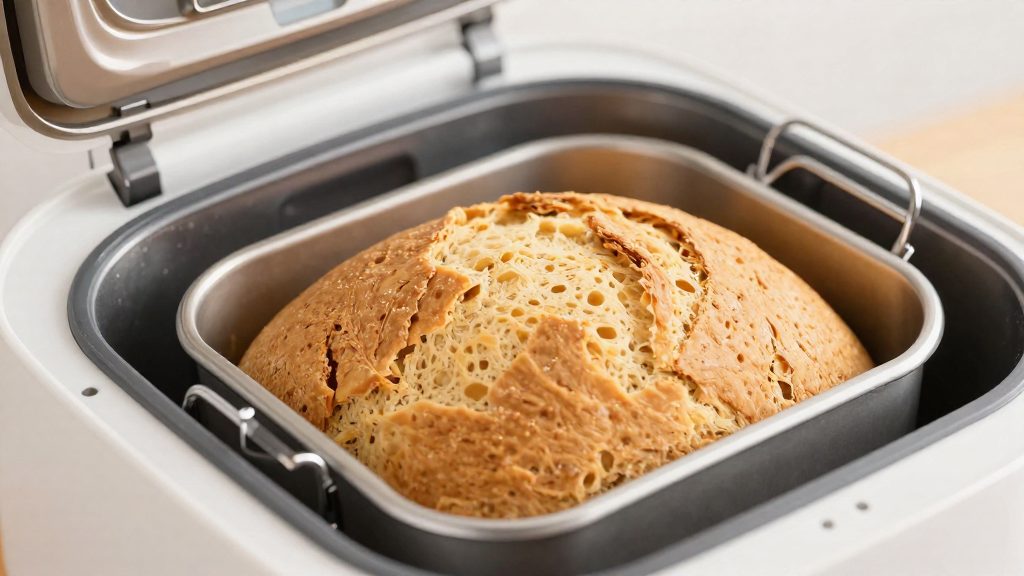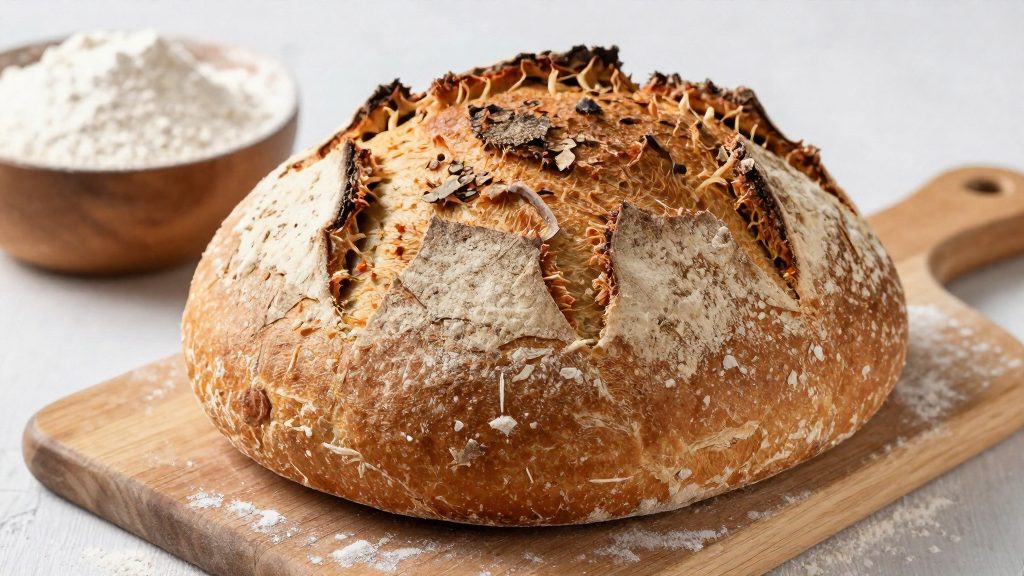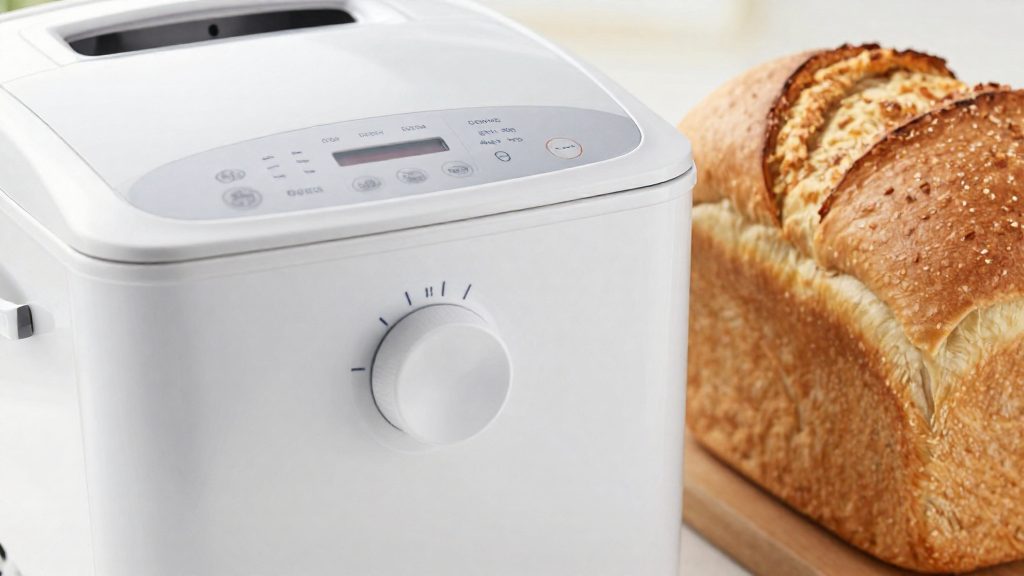
A bread maker delay timer is a countdown that ends at the moment the loaf should be finished, not at the moment baking starts. The machine works backwards from that finish time to a start time for its program, then waits without any further input until the countdown reaches that point. At that moment the program begins on its own. The Oster and Breville manuals describe the countdown as the time until the loaf is finished. The Breadman manual says the machine starts the program automatically when the countdown reaches the program’s start time, and its example (9:00 p.m. to a 6:30 a.m. finish, set 9:30) also has you enter the time until the finished loaf.
How does a bread maker delay timer work?
Counting down to the program start
The timer works backwards from the finish time. On the Breadman TR888, you enter the time until the finished loaf (9:00 p.m. to 6:30 a.m. means setting 9:30), and the machine starts the program automatically when the countdown reaches the program’s start time. On the Oster, the display shows the hours and minutes remaining until the bread is finished, and the colon flashes while the timer runs. Both designs produce the same result: a finished loaf at the time you chose, because the machine has already allowed for how long its program takes to run.
Delay time is total time, not baking time
The Breville BR6 manual states that the delay time is the total time until the loaf is finished. You do not add baking time yourself, because the machine already counts the full program within that figure. The display therefore shows one number, the time left until the loaf is ready, and nothing needs to be subtracted or added by hand.
| Model | What the countdown measures | Note from the manual |
|---|---|---|
| Oster | Hours and minutes remaining until the bread is finished | The colon flashes while the timer runs |
| Breadman TR888 | Time until the finished loaf (example: set 9:30 from 9:00 p.m. for a 6:30 a.m. finish); the program starts automatically at its start time | Timer is set before pressing START |
| Breville BR6 | Total time until the loaf is finished, with no baking time added | — |
Automatic start with no user action
Once the countdown is running, the automatic start happens without any further action from you. The Breadman TR888 manual says the machine starts on its own when the countdown reaches the program’s start time. The countdown therefore runs unattended, and the program starts at the scheduled moment.
How to set the delay timer
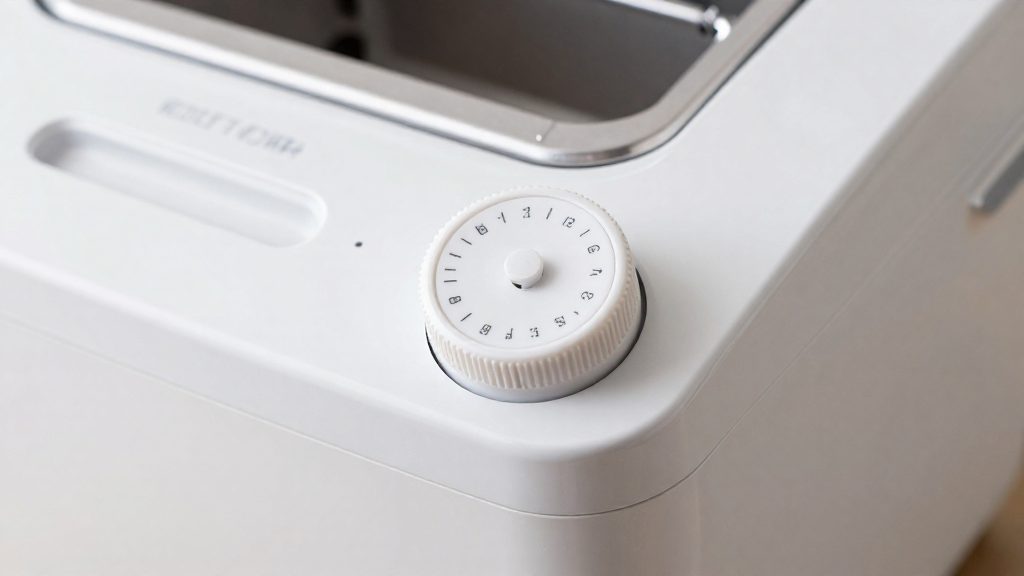
On an Oster bread maker, you set the delay to the hours and minutes remaining until you want the loaf finished, not the time of day. Count backwards from your target finish time, enter that duration with the timer buttons, and then start the machine. Each model has its own button sequence, so check the display after every press.
Setting the delay on an Oster
- Work out the time remaining until the finish time (see the worked example below).
- Press Timer Up/Down until the display shows that number of hours and minutes. The timer moves in 10-minute steps.
- Press Start/Stop. The colon on the display flashes, which confirms the delay is running. The bread finishes at the set time.
Setting the delay on a Breville BR6
On the Breville BR6, the timer advances in 10-minute steps. Set the time first, then press START/STOP.
Cancelling a delay on an Oster
To cancel a running delay, hold Start/Stop until you hear a beep.
Worked calculation
Subtract the current time from the finish time. For a loaf that should be ready at 6:30 a.m., set at 9:00 p.m., the remaining time is 9 hours 30 minutes. The Breadman TR888 manual gives the same example: from 9:00 p.m. to a 6:30 a.m. finish, you set 9:30. The Breadman timer is set before you press START.
Which ingredients are safe to delay?
When a bread maker delays its start, every ingredient sits in the pan for the whole countdown before kneading begins. The main concern is perishable ingredients. The Breville BR6 manual is the most direct on this point: it advises avoiding recipes with fresh milk, eggs, or fruit and vegetable purées, because these could spoil while the timer runs. Leave these items out of any recipe you plan to delay.
| Ingredient | Guidance in the consulted manuals |
|---|---|
| Fresh milk | Avoid in delayed recipes (Breville BR6 manual) |
| Eggs | Avoid in delayed recipes (Breville BR6 manual) |
| Fruit or vegetable purées | Avoid in delayed recipes (Breville BR6 manual) |
The consulted manuals name only fresh milk, eggs, and fruit or vegetable purées. Treat any other perishable ingredient with the same caution, and check your own manual before delaying a recipe that contains it.
Yeast placement
Yeast placement matters more in a delayed cycle than in a standard one, because the ingredients wait together before mixing starts. The Breadman TR888 manual says to add ingredients in the order listed, with the yeast last, on top of the flour and away from the liquid. Keeping the yeast separated from the liquid until the machine begins mixing is the step that the manual specifies. Check your own model’s manual for its ingredient order, since the consulted sources cover only the Breadman TR888 for this point.
Water reduction for delayed loaves
For delayed baking, the Breadman TR888 manual says to reduce the water by 1 to 3 teaspoons, depending on loaf size. Check the size settings in your manual before measuring the adjustment. Measure the reduced water accurately, because a small change in liquid has a visible effect on the dough.
Which programs can’t be delayed?
Not every program on a bread maker accepts a delay timer. The clearest exclusion list belongs to the Breadman TR888. According to the Breadman manual (hosted on ManualsDir), its 13-hour delay bake timer does not work with the Fast Bake, Bread, Butter or Dessert programs. On this model, a loaf from any of those programs must start right away and cannot be held until a later finish time.
Breadman TR888 exclusions
The four excluded programs are:
- Fast Bake
- Bread
- Butter
- Dessert
If you want a delayed loaf on this machine, choose a program that is not on this list. Check the program name on the display before you set the timer.
Checking your model’s manual for delay support
To check your own machine:
- Find the program table in the manual, which lists each program and its settings.
- Look for any note about the delay or timer beside each program.
- Confirm that the delay feature works on your chosen program before you add ingredients.
Model-by-model differences
| Model | Program exclusions for delay |
|---|---|
| Breadman TR888 | Fast Bake, Bread, Butter, Dessert (per the Breadman manual, hosted on ManualsDir) |
| Oster | Not stated (Oster manual, hosted on ManualsLib) |
| Breville BR6 | Not stated (Breville manual, hosted on ManualsLib) |

How long can you delay a loaf?
The maximum delay a model accepts sets the outer limit for planning a loaf. The Breadman TR888 allows a delay of up to 13 hours, and the Breville BR6 allows up to 15 hours. For the Oster, check the manual for your exact model before planning a long wait.
| Model | Maximum delay | What the limit measures |
|---|---|---|
| Breadman TR888 | 13 hours | Delay bake timer maximum; the manual’s example sets the time until the finished loaf |
| Breville BR6 | 15 hours | Total time until the loaf is finished, including baking |
| Oster | Not stated | Check the manual for your model |
Breadman TR888: a 13-hour countdown
The Breadman manual gives a 13-hour maximum for its delay bake timer. Rely on the manual’s example (set 9:30 from 9:00 p.m. for a 6:30 a.m. finish).
Breville BR6: a 15-hour total
This makes the 15-hour limit easier to plan around, because it covers the entire process from start to finish.
Oster: no published figure
Confirm how long the timer will hold in your Oster manual before relying on it.
Does hot weather change the recipe?
Yes. For hot weather, the Oster manual recommends reducing three ingredients so the dough does not over-rise during a delayed bake. The reductions are small and given in fixed amounts, so you can adjust a standard recipe without rewriting it.
| Ingredient | Oster hot-weather reduction | How the reduction is applied |
|---|---|---|
| Liquid | 1–2 tablespoons | 1–2 tablespoons per adjustment |
| Salt | 1/8 to 1/4 teaspoon | 1/8 to 1/4 teaspoon at a time |
| Sugar | 1/4 teaspoon | 1/4 teaspoon at a time, to prevent over-rising |
According to Oster’s manual (ManualsLib), all three cuts share one stated purpose: keeping the dough from over-rising. The manual does not specify a separate effect for the liquid, the salt, or the sugar, so the table lists only the amounts and the method. Each reduction is an adjustment, not a new standard quantity, so it should be applied only when the weather is hot.
The Oster manual gives these amounts as the reductions to make in hot weather. It does not give a temperature threshold, so judge “hot weather” by your kitchen conditions. Because the manual does not give a temperature threshold, judge “hot weather” by your kitchen conditions rather than a fixed number.
What to look for when buying a bread maker with a delay timer?
A delay timer is only useful if it fits your routine. Check three things before buying: the delay ceiling, whether your most-baked programs accept a delay, and how clearly the manual explains the setting.
Delay ceiling versus your typical wait
Compare the longest delay a machine accepts with how long your dough would actually sit. Both the Breadman TR888 (13 hours) and the Breville BR6 (up to 15 hours) cover an overnight wait comfortably.
Whether your preferred programs allow delayed starts
Not every program accepts a delay. A model that suits your schedule can still rule out the loaves you bake most. List the programs you use every week and check each one against the manual before you choose.
Clarity of the manual’s delay instructions
A clear manual states what the timer counts and how the machine starts. The three models in this comparison use different logic:
| Model | Delay ceiling | Delay-specific guidance | Timer behaviour |
|---|---|---|---|
| Breadman TR888 | 13 hours | Reduce water by 1–3 teaspoons, depending on loaf size | Set before pressing START |
| Breville BR6 | Up to 15 hours | Avoid fresh milk, eggs, fruit or vegetable purées | 10-minute steps |
| Oster bread maker | Not stated | Reduce liquid by 1–2 tablespoons, salt by 1/8–1/4 teaspoon, and sugar by 1/4 teaspoon in hot weather | 10-minute steps; colon flashes; holding Start/Stop until a beep cancels the delay |
A manual that gives delay-specific recipe changes, as the Breadman and Oster manuals do, helps you avoid over-proofed or spoiled loaves. Note whether the manual counts the baking time inside the delay, as the Breville BR6 manual does, since that changes when the loaf finishes.
Frequently asked questions
Can I put fresh milk, eggs or fruit in a delayed loaf?
The Breville BR6 manual advises against recipes with fresh milk, eggs, or fruit and vegetable purées, because they can spoil while the timer counts down. For a long wait, choose recipes built on shelf-stable ingredients.
Can I change or cancel the delay once it has started?
On the Breville BR6, the delay cannot be changed once START/STOP has been pressed. On the Oster, holding Start/Stop until a beep cancels the delay.
Does a delayed loaf need a different recipe?
It can. The Breadman TR888 manual says to reduce the water by 1–3 teaspoons for delayed baking, depending on loaf size. The Oster manual suggests, in hot weather, reducing the liquid by 1–2 tablespoons, the salt by 1/8–1/4 teaspoon and the sugar by 1/4 teaspoon at a time so the dough does not over-rise.